Overview
The console is the staff-facing web app for running the loan book: originating and servicing loans, managing products and borrowers, and administering users, roles, and the audit log. It's a React SPA served by the admin API on the same origin, so it authenticates with an HttpOnly cookie session — no tokens in the browser.
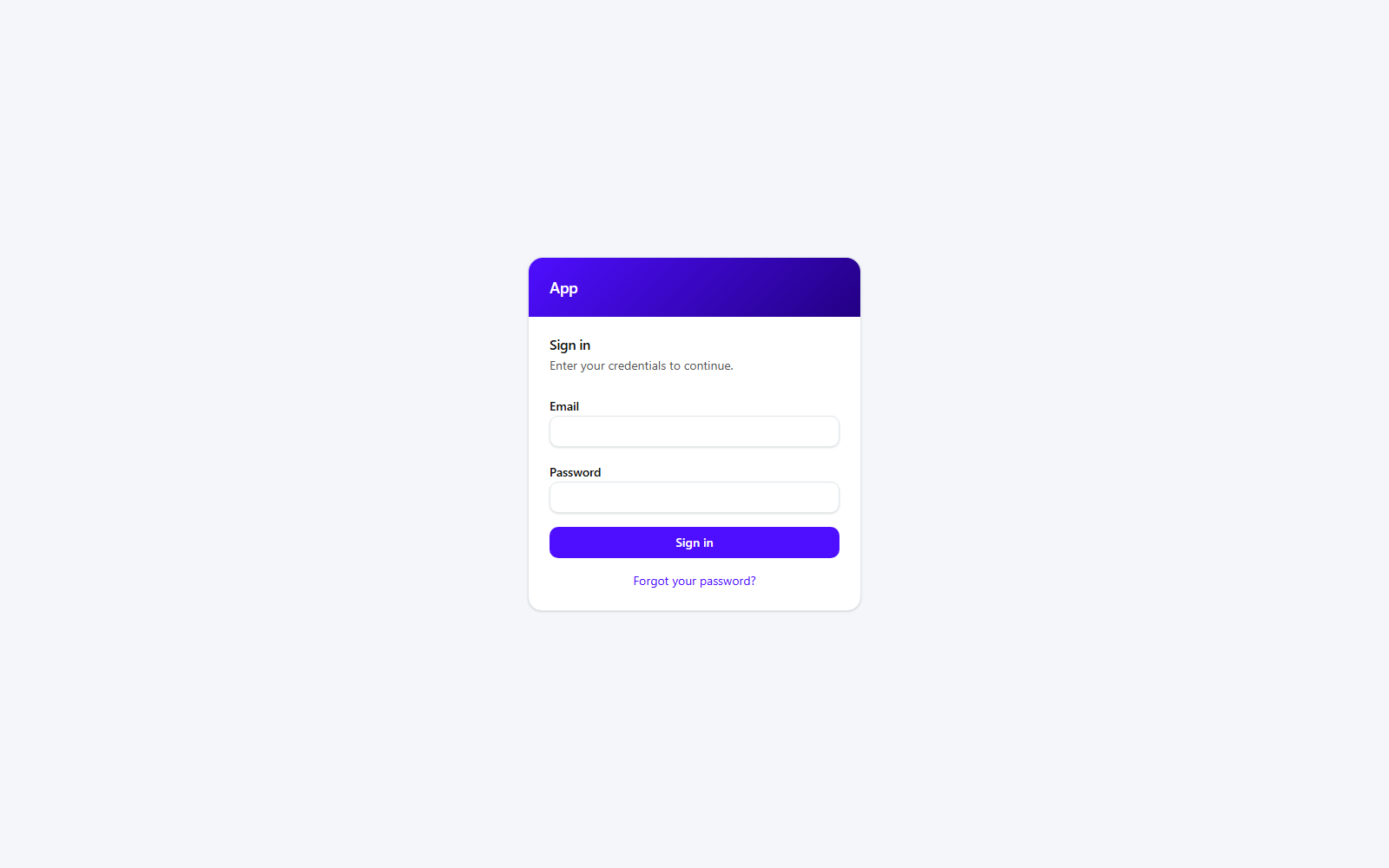
Signing in
Staff sign in with email + password. Accounts can additionally enroll in two-factor authentication (TOTP), in which case login is a two-step flow.
Navigation
After signing in you land on Loans. The left rail is the whole app:
- Loans — the loan book; open any loan to service it.
- Borrowers — the people loans are made to.
- Calculator — price a schedule without creating a loan.
- Administration — users, roles, products, permissions, login attempts, and the audit log.
- Your name (bottom) opens Account — sessions, API keys, and two-factor settings.
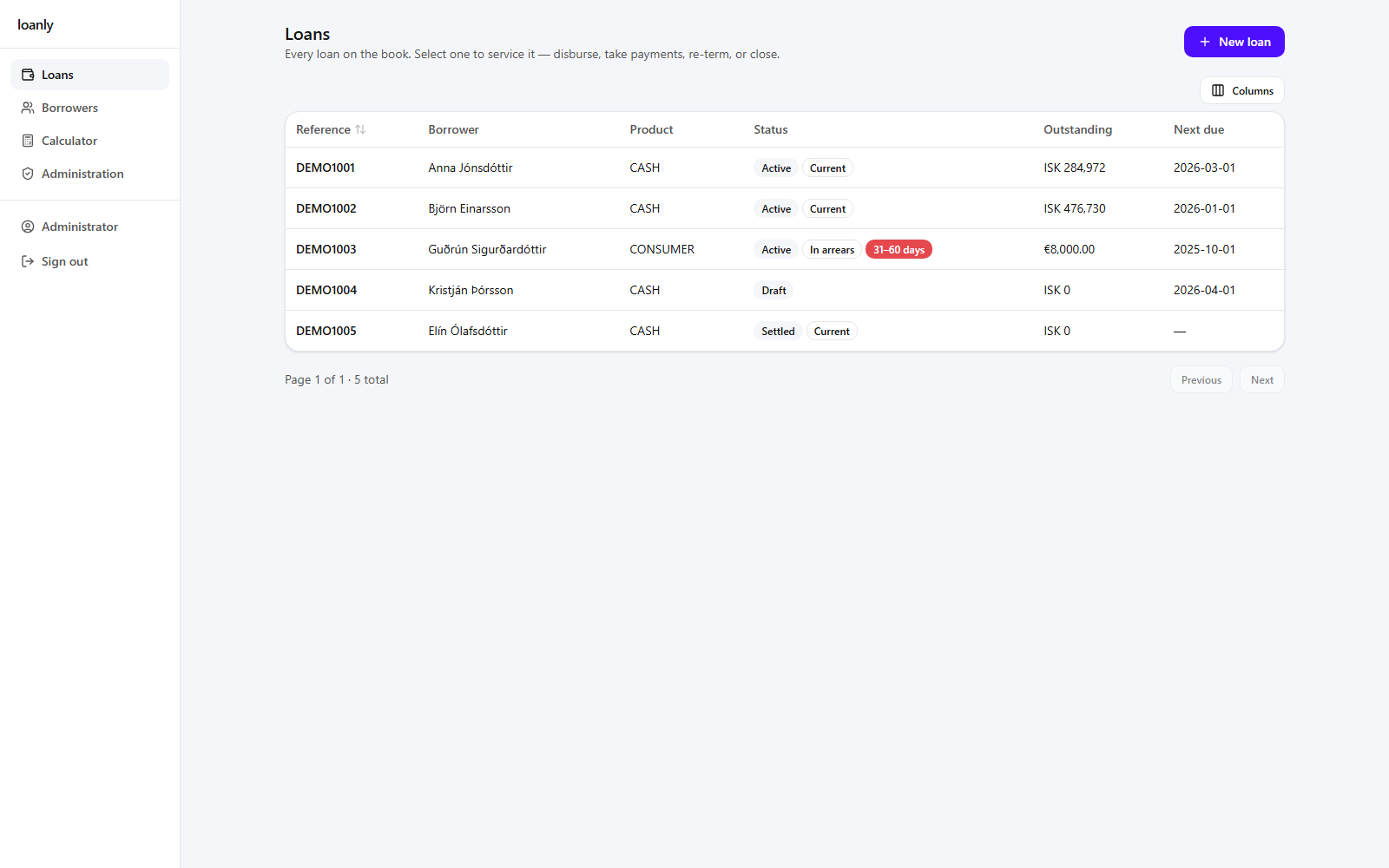
Which items appear depends on your permissions — the console only shows what your role grants. See Administration for the permission model.